Backup is configured—why is it empty? Three checks before assuming deletion
The key distinction: with backup configured, this product copies completed Audit Trail segments to the backup location after an approximate ten-minute delay. This is neither instant replication of every new action nor a guarantee that copying succeeds exactly ten minutes later.
1. Does backup enabled mean copying completed?
Configuration is not a copy result. Distinguish active segments from completed ones, then compare the original and backup of the same segment.
Hypothetical example: a log segment completes at 14:00. Its absence from backup immediately afterward does not prove deletion. Consider the documented approximate delay, path accessibility and actual copy result. This is not a guaranteed 14:10 delivery schedule.
2. Is direct network logging always safer?
Siemens discourages writing this Audit Trail directly to a network drive because interruptions can compromise reliable logging.
The local original log and a separately configured network backup serve different purposes. Before altering production settings, inspect the actual storage location and free space read-only.
3. Does temporary caching guarantee zero loss through power failure?
When the configured Audit Trail database is inaccessible, the documentation describes temporarily caching relevant user actions and writing them to the log once access returns.
This does not establish unlimited cache capacity or preservation through every power failure. Storage outages, power interruptions and reconciliation after recovery require separate validation.
Three places to check before changes or deletion
| Check | Read-only observation | Do not infer |
|---|---|---|
| Source | Record existence, actual storage location and free space | An empty backup folder proves source deletion |
| Completed segment | Completion status and timestamps for the same interval | A new action is already a completed backup segment |
| Actual copy | Presence of that same completed segment at the backup path | Ten minutes elapsed means copying succeeded |
Found an archived copy? Restoration and viewing are separate steps
The official manual describes restoring archived audit-log segments with Runtime Manager and displaying restored data in Audit Viewer. Consult the Runtime Manager help and supported restoration procedure for the actual version.
This is not a guaranteed way to recover deleted data. First establish that a valid archived segment exists and preserve originals. Any restoration test requires authorization and an isolated environment. No restoration was performed or measured for this article or video.
Scope and production disclosure
This article covers Siemens WinCC Unified V21 WinCC Audit (RT Unified), specifically configured audit-relevant activities. It does not generalize to every sensor graph, data historian, backup product or vendor.
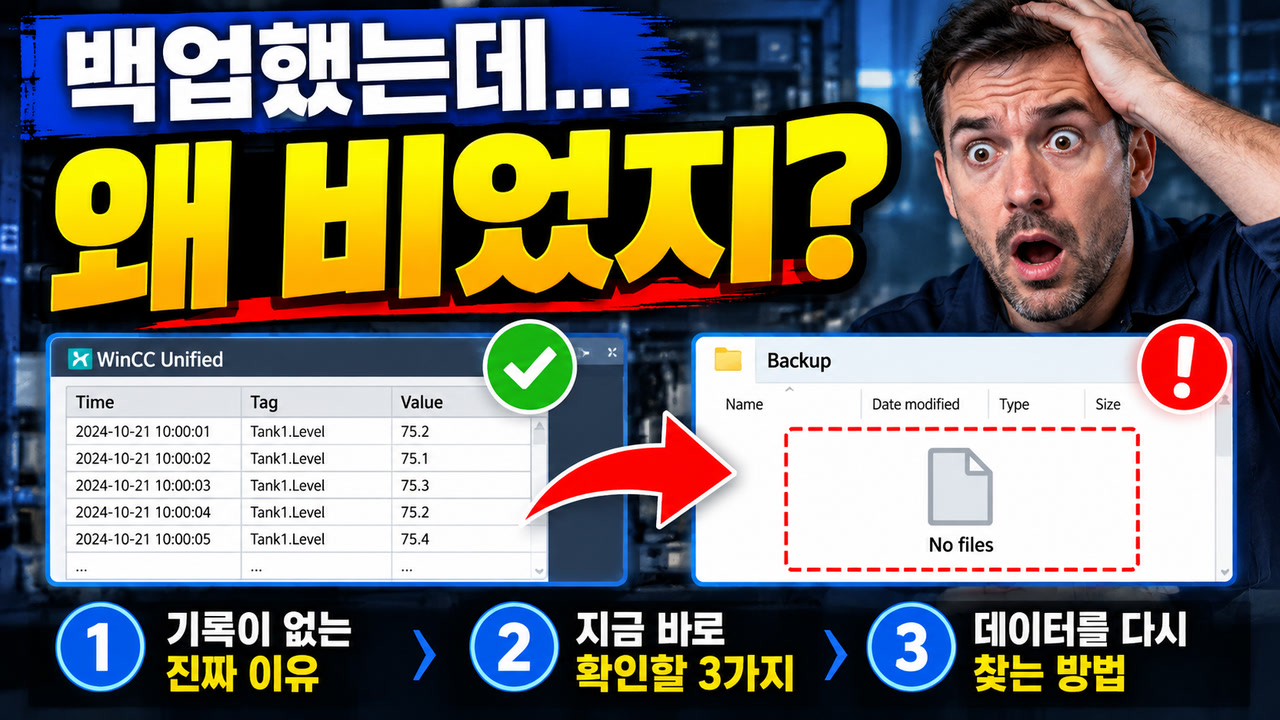
The thumbnail person and screens are AI-generated conceptual artwork, not actual product UI or incident evidence. The video uses AI Korean narration, original diagrams and English captions. It reports no device, database, power-failure or restoration experiment.
Watch the revised explanation
Related Short
Official source
Siemens V21 — Storage location and storage medium (RT Unified)