Blank historian settings—did the sensor history disappear?
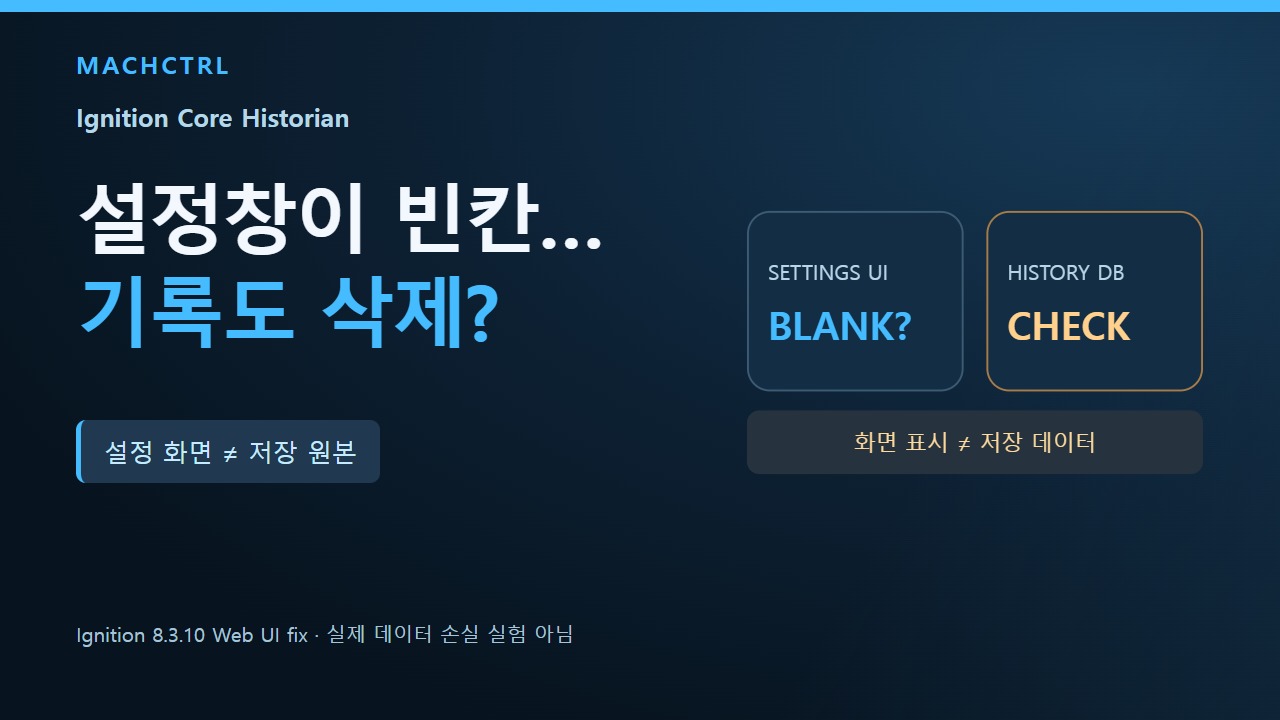
Imagine opening a historian configuration screen while investigating missing temperature trends. Several fields appear empty. An empty form is not, by itself, evidence that the recorded sensor values were deleted.
What is a historian?
A historian stores time-series readings so you can inspect what a machine or sensor reported earlier. In Ignition, history-enabled tags use a configured historian provider, and each provider type has its own storage settings and behavior.
What the manufacturer actually fixed
Inductive Automation's Ignition 8.3.10 release (October 6, 2026) lists a fix to the Gateway web UI: creating or editing a Core Historian could display empty form fields instead of their correct values.
That announcement concerns a configuration display issue. It is not evidence that stored history was erased, that the underlying configuration was removed, or that any particular site experienced data loss. A blank configuration screen must not be equated with a database failure, a chart query issue, or a PLC communication fault.
What to check before changing anything
| Observation | Conclusion that still requires evidence |
|---|---|
| The Core Historian form shows blank fields | Saved configuration was actually lost |
| A trend view appears empty | All historical records have been deleted |
| A patch includes the display fix | Every installation has been tested and automatically repaired |
Record the exact product version and the type of historian provider. In a permitted read-only workflow, compare the configuration with an existing backup or known baseline and separately verify whether the expected recorded values can actually be queried. Do not fill in blank values and click Save merely to make the form look complete.
These are questions for an authorized review, not instructions to modify a running production Gateway.
Takeaway
What a UI shows and what a storage provider retains are different questions. Treat the blank fields as a symptom to investigate, not proof of missing historical data.
Primary sources
Evidence limits: This educational article interprets manufacturer documentation. Examples are hypothetical, not measured tests on production equipment, databases or customer workspaces. It reports no measured detection, recovery or processing outcome. Operational changes require authorization and the documentation for the actual product and version.